Download any Object
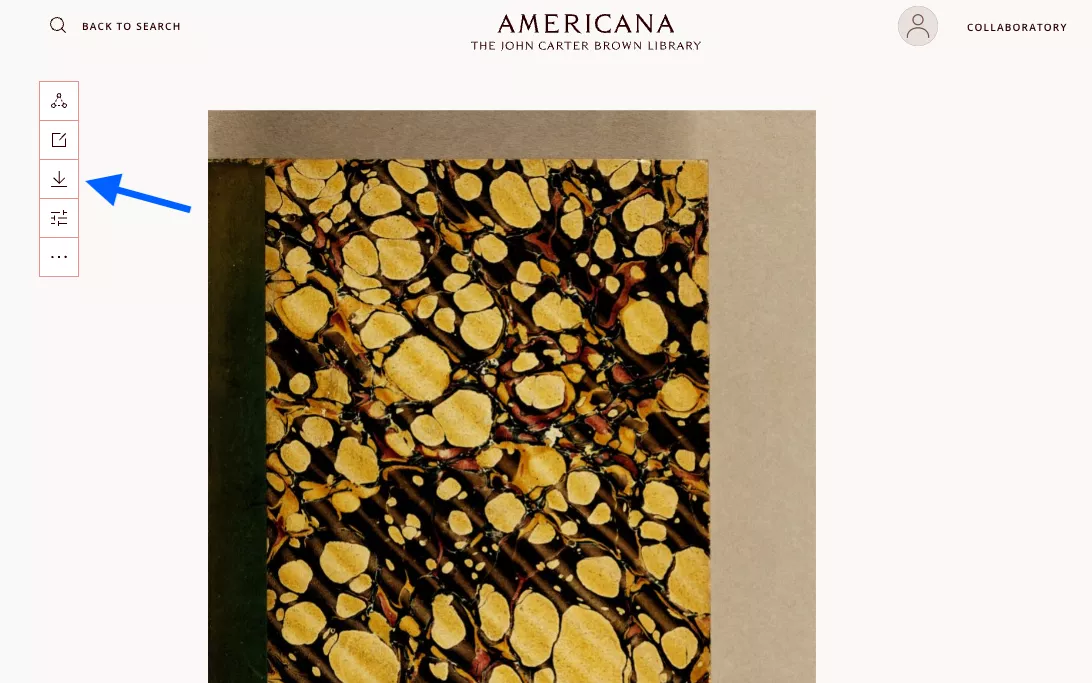
To download digital images from Americana, open the item and click the download button, an arrow pointed down at a line, located in the options panel to the left of the image. The item will automatically be downloaded as a PDF file. You'll get all the images associated with an object at once.
Warning! If you are downloading a large book, this will download the whole book. Be prepared for a large file.
If you are trying to download images of a single page, please see our Images and Permissions page for instructions.